Context
What & Why?
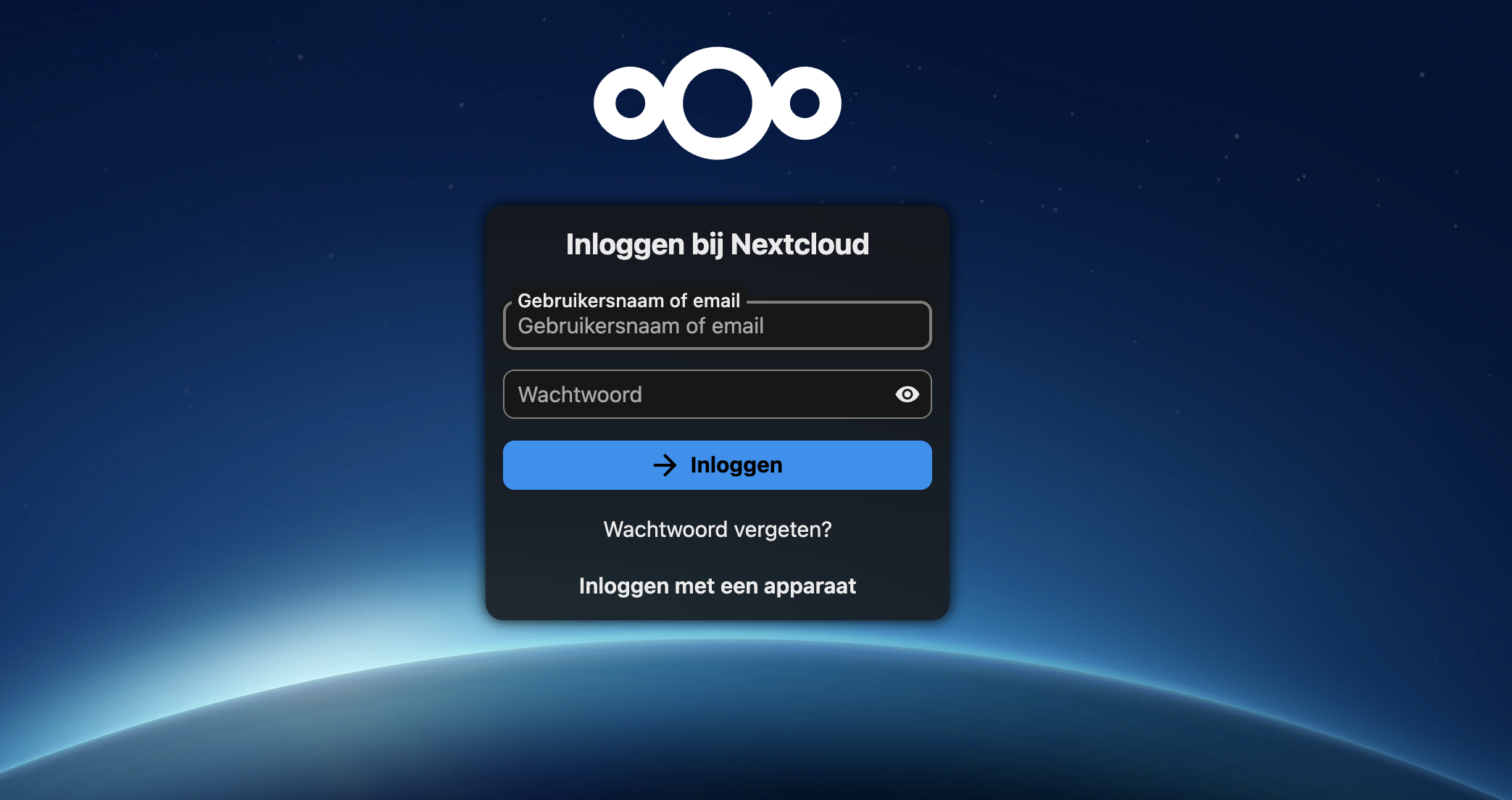
This project is a self-hosted cloud storage server built with Nextcloud on an Orange Pi 3 LTS single-board computer running Armbian Linux. The goal was to create a personal alternative to services like Google Drive — with complete control over where the data lives, who can access it, and how it is stored.
Rather than trusting a third party with personal files, this setup runs entirely on my own hardware at home. It gives me cloud-like convenience — access from any device, automatic sync, file sharing — without giving up privacy or relying on external providers.
Architecture
How It's Built
🖥️ Hardware
Orange Pi 3 LTS running Armbian Linux. A microSD card hosts the OS and Nextcloud. All user files are stored on a separate external SSD for speed and reliability.
🌐 Web Stack
Nginx acts as the reverse proxy in front of Apache, which serves Nextcloud. PHP handles the application logic, and MariaDB provides the database backend.
🔒 Secure Remote Access
Tailscale creates an encrypted private network so I can securely access the server from anywhere without exposing it to the public internet.
🔐 HTTPS & Domain
The server uses a personal domain with HTTPS enabled, making access seamless and secure from any device — phone, laptop, or tablet.
What it does
Features
- File storage and sync across multiple devices — photos, documents, backups, all in one place under my control.
- Separated storage architecture OS on microSD, all data on external SSD — keeps system files and user files completely independent.
- Reverse proxy with Nginx handling incoming requests and forwarding them securely to Apache.
- Tailscale VPN for encrypted remote access — accessible from anywhere without opening ports to the internet.
- Custom domain + HTTPS for secure, seamless access from any browser or the Nextcloud mobile app.
- Full data privacy no third party ever touches the files.
Lessons learned
What I Learned
- Setting up and managing a Linux server from scratch on ARM hardware (Orange Pi / Armbian).
- Configuring a reverse proxy with Nginx and understanding how web traffic is routed.
- Installing and maintaining a full LAMP-like stack (Apache, PHP, MariaDB) in a production-like environment.
- Implementing secure remote access using Tailscale without exposing the server to the open internet.
- Managing SSL certificates and DNS for a personal domain with HTTPS.
- Understanding the real-world tradeoffs between convenience, privacy, and self-hosted infrastructure.